Upgrading from Filament 3 to 4: What Actually Changed
The changes that matter when you move a real Filament 3 app to Filament 4, schemas and the unified actions namespace, nested resources, the default behaviour changes that break things quietly, and the new theme setup.

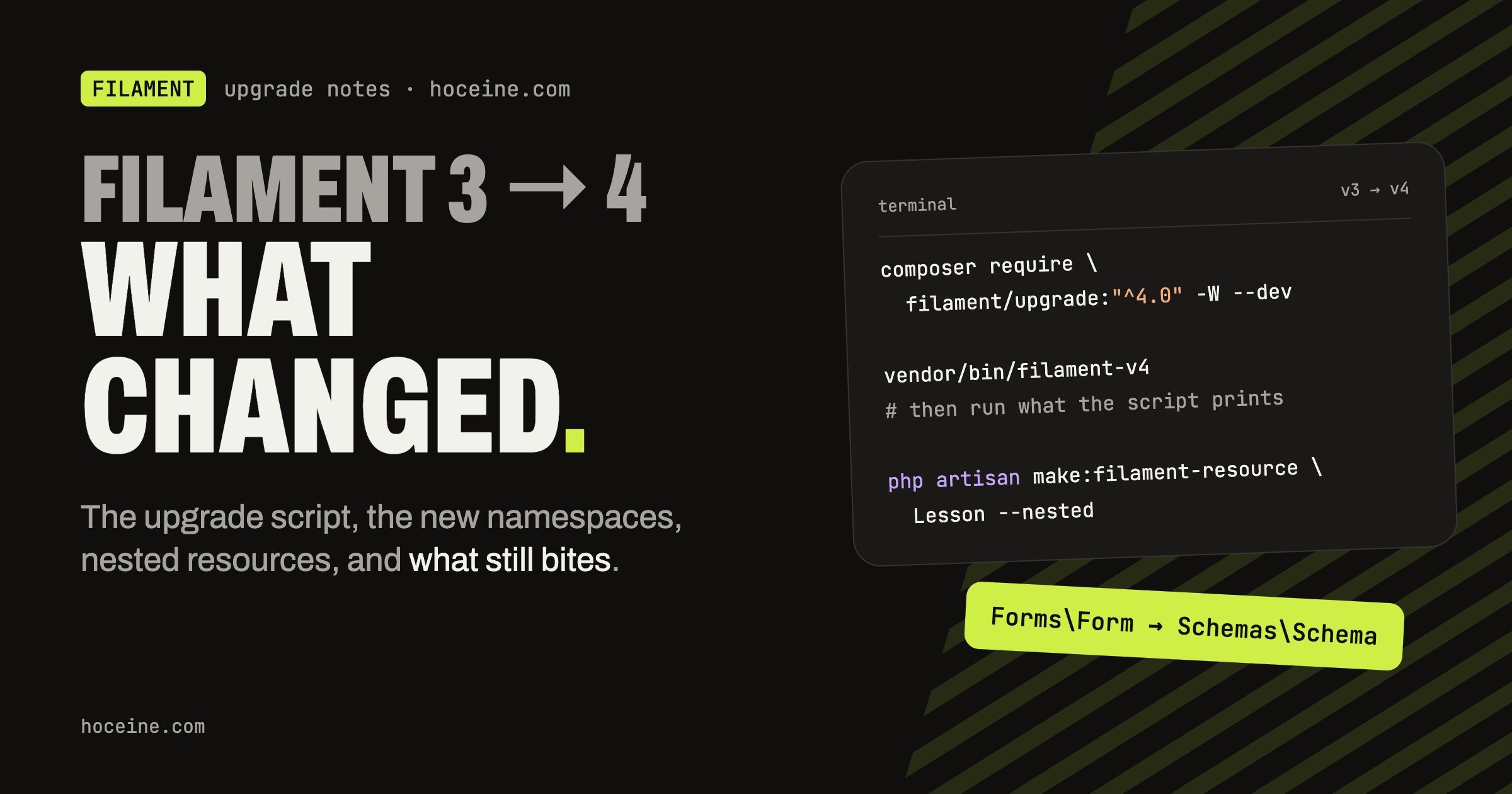
Upgrading from Filament 3 to 4
Most "what's new in Filament 4" posts list features. If you already run a Filament 3 panel, the features are the easy part. The work is in the namespace moves, the defaults that changed under your feet, and the theme. This walks through those, checked against the official upgrade guide.
Requirements and the upgrade script
Filament 4 needs PHP 8.2+ and Laravel 11.28+. It no longer pulls in doctrine/dbal, so add it to
your own composer.json if your migrations still rely on it.
The upgrade script does most of the mechanical edits:
composer require filament/upgrade:"^4.0" -W --dev
vendor/bin/filament-v4
# then run the commands the script prints, they are specific to your app
It does not cover every breaking change, so read the rest of the guide after it runs. Commit before you start; you will want a clean diff to review.
Schemas: forms and layout are one system now
In v3, forms and infolists were separate packages with their own layout components. In v4 they share one system, schemas. The visible change in your resources is the method signature:
// v3
use Filament\Forms\Form;

public static function form(Form $form): Form

// v4
use Filament\Schemas\Schema;

public static function form(Schema $schema): Schema
Fields stay where they were (Filament\Forms\Components\TextInput), but layout components such as
Section, Grid, Tabs and Fieldset move to Filament\Schemas\Components. Because the same
Section works in a form and an infolist, you can now mix fields and read-only entries inside one
schema, which was awkward in v3.
New resources also generate a different file layout. The form and table move out of the resource class into their own files:
Customers/
├── CustomerResource.php
├── Pages/
├── Schemas/CustomerForm.php
└── Tables/CustomersTable.php
The resource then delegates:
public static function form(Schema $schema): Schema
{
    return CustomerForm::configure($schema);
}
Your existing v3 resources keep working in the old layout. If you want them moved, there is a command for it, and it is worth running the dry run first:
php artisan filament:upgrade-directory-structure-to-v4 --dry-run
Classes that referenced each other through the same namespace may need their imports fixed by hand afterwards.
Actions: one namespace
v3 had table actions, page actions and form actions in different namespaces, with near-duplicate
classes. In v4 they are all Filament\Actions. A table now looks like this:
use Filament\Actions\BulkActionGroup;
use Filament\Actions\DeleteBulkAction;
use Filament\Actions\EditAction;
use Filament\Tables\Table;

public static function configure(Table $table): Table
{
    return $table
        ->columns([/* ... */])
        ->recordActions([
            EditAction::make(),
        ])
        ->toolbarActions([
            BulkActionGroup::make([
                DeleteBulkAction::make(),
            ]),
        ]);
}
Note the method names: recordActions() and toolbarActions(). If you wrote custom action classes
in v3, check their parent class and imports first; that is where most compile errors come from.
Nested resources
This is the feature many v3 users had been waiting for. In v3, a child model (lessons in a course) lived in a relation manager, which meant a modal form on the parent's page. If the child needed its own full page, with its own relation managers, you were on your own.
Nested resources give the child a real
resource whose URLs sit under the parent. Generate it with the --nested flag:
php artisan make:filament-resource Lesson --nested
The child resource points at its parent:
class LessonResource extends Resource
{
    protected static ?string $parentResource = CourseResource::class;
}
And the relation manager on the parent points at the child, so its create and edit actions open the nested resource pages instead of a modal:
class LessonsRelationManager extends RelationManager
{
    protected static ?string $relatedResource = LessonResource::class;
}
If your relationship names do not follow Laravel conventions, drop $parentResource and define the
registration yourself:
public static function getParentResourceRegistration(): ?ParentResourceRegistration
{
    return CourseResource::asParent()
        ->relationship('lessons')
        ->inverseRelationship('course');
}
A reasonable split: relation managers for small children that are edited in a modal, and nested resources once the child has its own sub-records or a long form.
Defaults that changed quietly
These do not throw errors. They just make the app behave differently, which is worse. From the upgrade guide:
- Table filters are deferred. Users now press "Apply". Use
deferFilters(false)to get the v3 behaviour back. Grid,SectionandFieldsettake one column by default, not the full width. Forms that looked fine in v3 suddenly render side by side. AddcolumnSpanFull().columnSpan()targetslgand up, matching howcolumns()already worked.unique()ignores the current record by default (ignoreRecord: true). Good, but check any place you relied on the old behaviour.- File visibility is private on non-local disks for
FileUpload,ImageColumnandImageEntry. If your S3 images suddenly 403, this is why. - The "all" pagination option is gone by default. Add it back through
paginationPageOptions()if users depend on it. - Tables sort by primary key by default.
defaultKeySort(false)turns it off. - Enum fields always return the enum instance as their state.
- Import and export jobs retry 3 times with a 60 second backoff, instead of retrying for 24 hours.
- URL query parameters on resource pages were renamed, for example
activeTabtotabandtableSearchtosearch. Bookmarked filtered URLs break.
Go through each of these with a search across the codebase rather than trusting a click-through.
The theme
This is the change most likely to break a panel visually. Filament 4 custom themes use Tailwind CSS 4.
tailwind.config.js is no longer used; the theme CSS file lists its sources with @source.
More important: Tailwind classes used in your own views are no longer compiled into Filament's default stylesheet. If you added classes in a custom page without a theme, they may simply stop applying. Create a theme and register it:
php artisan make:filament-theme
A panel with no custom views and no theme is not affected.
New things worth using after the upgrade
Once the upgrade is done, a few v4 additions are worth turning on. A good first one is built-in multi-factor authentication:
use Filament\Auth\MultiFactor\App\AppAuthentication;

$panel->multiFactorAuthentication([
    AppAuthentication::make(),
]);
The User model implements HasAppAuthentication, uses the InteractsWithAppAuthentication trait,
and needs a nullable app_authentication_secret text column.
What about Filament 5?
Filament 5 is out. Its upgrade guide lists
Livewire 4 as the new requirement and ships the same kind of script
(filament/upgrade:"^5.0", then vendor/bin/filament-v5). Coming from v3, do the v4 upgrade first
and get the app stable; the v4 to v5 step is much smaller.
Built on this
The v4 pieces covered here are the ones underneath FilamentCraft, a commercial visual website builder that ships as a Filament plugin, with a live iframe preview.
It supports Filament 4 and 5 from a single codebase. You can try the editor at the demo site, no signup required.