Filament 4 Multi-Tenancy: The Setup, and Where It Leaks
How Filament 4's built-in panel tenancy works (HasTenants, canAccessTenant, ownership relationships, tenant middleware) and the places it stops protecting you, queries outside the panel, queued jobs, unique validation and models without a resource.

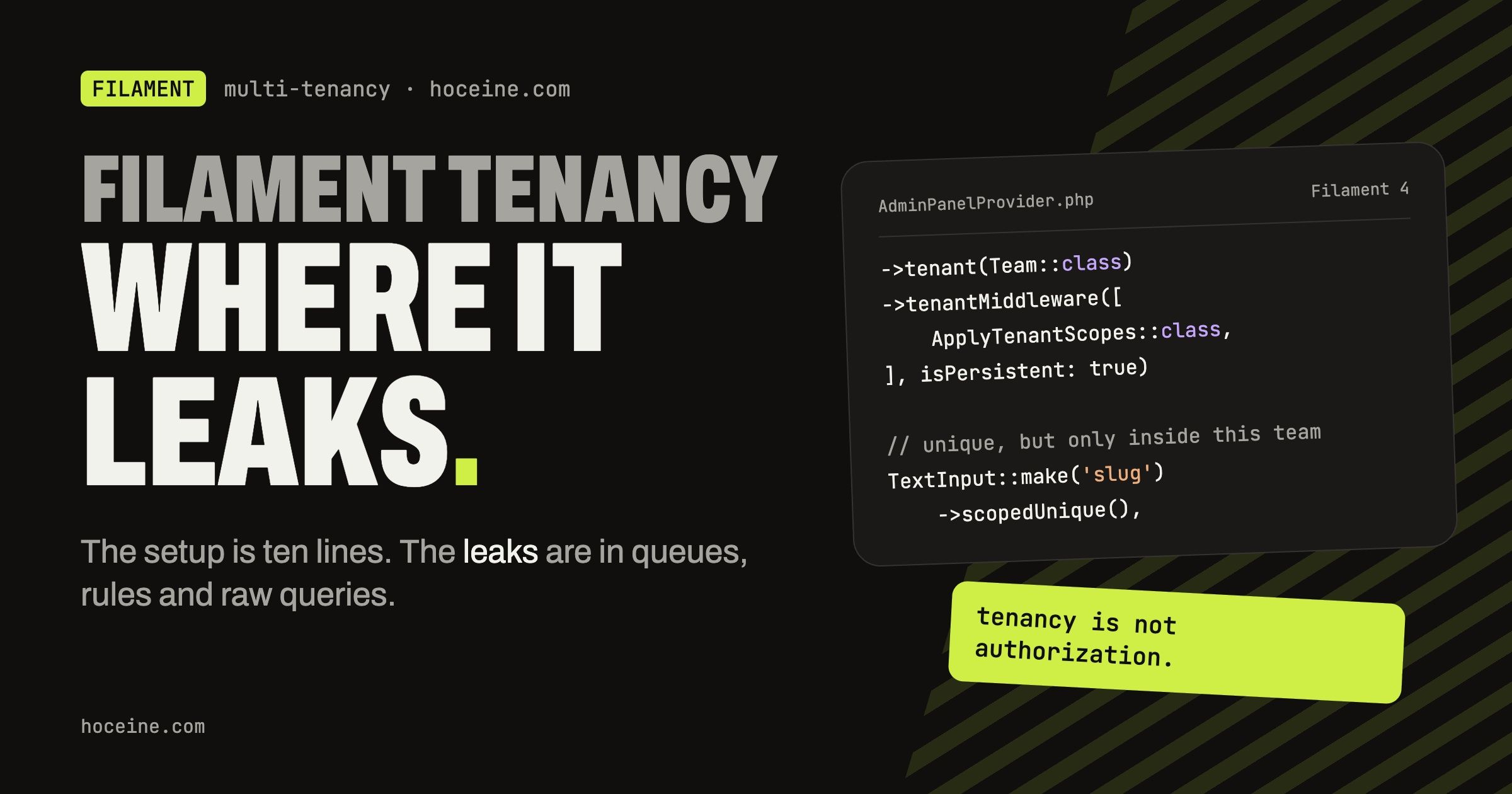
Filament 4 Multi-Tenancy
Filament's built-in tenancy gets a team-based SaaS panel running in an afternoon: a tenant switcher, the tenant in the URL, and resource queries scoped to the current team. The trouble is that it feels complete, so it is easy to assume every query in the app is scoped. It isn't. Filament scopes what happens inside the panel, through Eloquent, after the tenant is known. Everything else is your job.
This post covers the setup briefly and then spends most of its time on the leaks. Everything is checked against the tenancy docs, which are worth reading in full, especially the security section.
The model
Filament's tenancy is "many users, many tenants". A user belongs to one or more teams and switches between them. The tenant is a normal Eloquent model, and every tenant-owned model points back to it.
class Team extends Model
{
    public function members(): BelongsToMany
    {
        return $this->belongsToMany(User::class);
    }

    public function projects(): HasMany
    {
        return $this->hasMany(Project::class);
    }
}

class Project extends Model
{
    public function team(): BelongsTo
    {
        return $this->belongsTo(Team::class);
    }
}
Telling Filament which tenants a user has
The user model implements HasTenants. Two methods matter: getTenants() lists the teams for the
switcher, and canAccessTenant() is the security check that stops someone from typing another
team's ID into the URL.
use Filament\Models\Contracts\FilamentUser;
use Filament\Models\Contracts\HasTenants;
use Filament\Panel;
use Illuminate\Database\Eloquent\Model;
use Illuminate\Support\Collection;

class User extends Authenticatable implements FilamentUser, HasTenants
{
    public function teams(): BelongsToMany
    {
        return $this->belongsToMany(Team::class);
    }

    public function getTenants(Panel $panel): Collection
    {
        return $this->teams;
    }

    public function canAccessTenant(Model $tenant): bool
    {
        return $this->teams()->whereKey($tenant)->exists();
    }

    public function canAccessPanel(Panel $panel): bool
    {
        return true;
    }
}
Do not shortcut canAccessTenant() to true while prototyping and forget it. It is the only thing
between the URL and another customer's data.
The panel
use App\Models\Team;

public function panel(Panel $panel): Panel
{
    return $panel
        // ...
        ->tenant(Team::class, ownershipRelationship: 'team');
}
ownershipRelationship is the relationship name on your tenant-owned models, here team. Filament
uses it to scope resource queries and to attach new records to the current tenant on create. If one
resource uses a different name, override it there with
protected static ?string $tenantOwnershipRelationshipName = 'owner';.
Inside the panel, Filament::getTenant() returns the current team.
How the scoping actually works
This is the sentence from the docs that the rest of the post hangs on: Filament applies a tenant global scope to models that have a tenant-aware resource registered in the current panel, and only while that panel is current and a tenant has been identified.
Three conditions. Break any one and the scope is not there.
Leak 1: queries outside the panel
Your API routes, your public site, your Artisan commands and your scheduled tasks never enter the
panel. Filament::getTenant() is null there and no tenant scope is applied. The docs say it
plainly: queries made outside the tenant-aware panel or before tenant identification need their own
tenant constraints.
So the controller behind a public project page must scope by hand:
public function show(Team $team, Project $project): View
{
    abort_unless($project->team()->is($team), 404);

    return view('projects.show', compact('project'));
}
The same applies inside the panel to anything that uses the query builder directly.
DB::table('projects') does not go through Eloquent, so it never sees a global scope.
Leak 2: queued jobs
A job runs in a worker process, long after the request that dispatched it. No panel is current and
there is no tenant, so by the rules above nothing is scoped. A job that does Project::where(...)
sees every team's projects.
Pass the tenant into the job and scope explicitly:
class RecalculateProjectStats implements ShouldQueue
{
    use Queueable;

    public function __construct(public Team $team) {}

    public function handle(): void
    {
        $this->team->projects()->each(function (Project $project): void {
            // ...
        });
    }
}

RecalculateProjectStats::dispatch(Filament::getTenant());
Going through $this->team->projects() means the constraint is part of the query itself rather than
something that has to be present in the environment.
Leak 3: unique and exists validation
Laravel's unique and exists rules query the database without Eloquent, so the tenant scope does
not apply to them. A project slug that should be unique per team ends up unique across all teams,
and worse, the error message tells a user that some other team already has that slug.
Filament has scoped versions for form fields:
TextInput::make('slug')
    ->scopedUnique(),

Select::make('client_id')
    ->scopedExists(),
Back the rule with a composite index, unique(['team_id', 'slug']), so the database agrees with the
form. Validation outside Filament, in a form request for the API for example, needs
Rule::unique('projects')->where('team_id', $team->id) written out.
Leak 4: models without a resource
The global scope only goes on models that have a tenant-aware resource in the panel. A Comment
model that only appears inside a widget or a custom page has no resource, so it is not scoped. The
docs suggest adding your own global scopes through tenant middleware:
class ApplyTenantScopes
{
    public function handle(Request $request, Closure $next): Response
    {
        Comment::addGlobalScope(
            fn (Builder $query) => $query->whereBelongsTo(Filament::getTenant()),
        );

        return $next($request);
    }
}
$panel->tenantMiddleware([
    ApplyTenantScopes::class,
], isPersistent: true);
isPersistent: true matters. By default tenant middleware runs on the first page load only, not on
the Livewire requests that follow. Without it, the scope exists when the page renders and is gone
when the user clicks "next page" in a table.
Leak 5: removing global scopes
withoutGlobalScopes() with no arguments removes the tenant scope along with soft deletes and
everything else. This shows up in resources that call getEloquentQuery() to include trashed
records. Pass the specific scopes you want removed instead:
public static function getEloquentQuery(): Builder
{
    return parent::getEloquentQuery()
        ->withoutGlobalScopes([SoftDeletingScope::class]);
}
Leak 6: Livewire components that aren't resource pages
On resource pages, Filament re-resolves the record through the resource query on every Livewire request, so the tenant scope applies. The docs note this does not extend to relation managers, widgets or modal table selects, which restore models through Livewire without global scopes by default. If a widget accepts a record ID, check it belongs to the current tenant.
Tenancy is not authorization
Last point, and the docs make it too: being in the right team does not mean a user may do something.
canAccessTenant() answers "can this user enter this team". Whether a member can delete a project is
a policy. And a table does not filter rows through your view() policy, so records a member should
not see need to be excluded in the query, not hidden by a policy check.
A day-one checklist
On a panel with tenancy, three things are worth doing on day one: write canAccessTenant() properly, add the
ApplyTenantScopes middleware with isPersistent: true for every tenant-owned model without a
resource, and replace unique() with scopedUnique() everywhere. Then grep for DB::table,
withoutGlobalScopes( and dispatch( and read each hit with the question "which team is this for?".