The Inertia 2 Features Worth Using: Deferred Props, Polling, Prefetching and Infinite Scroll
A practical tour of the Inertia 2 data-loading features that change how Laravel pages feel, with a worked dashboard example, the history encryption detail most posts get wrong, and a note on Inertia 3.

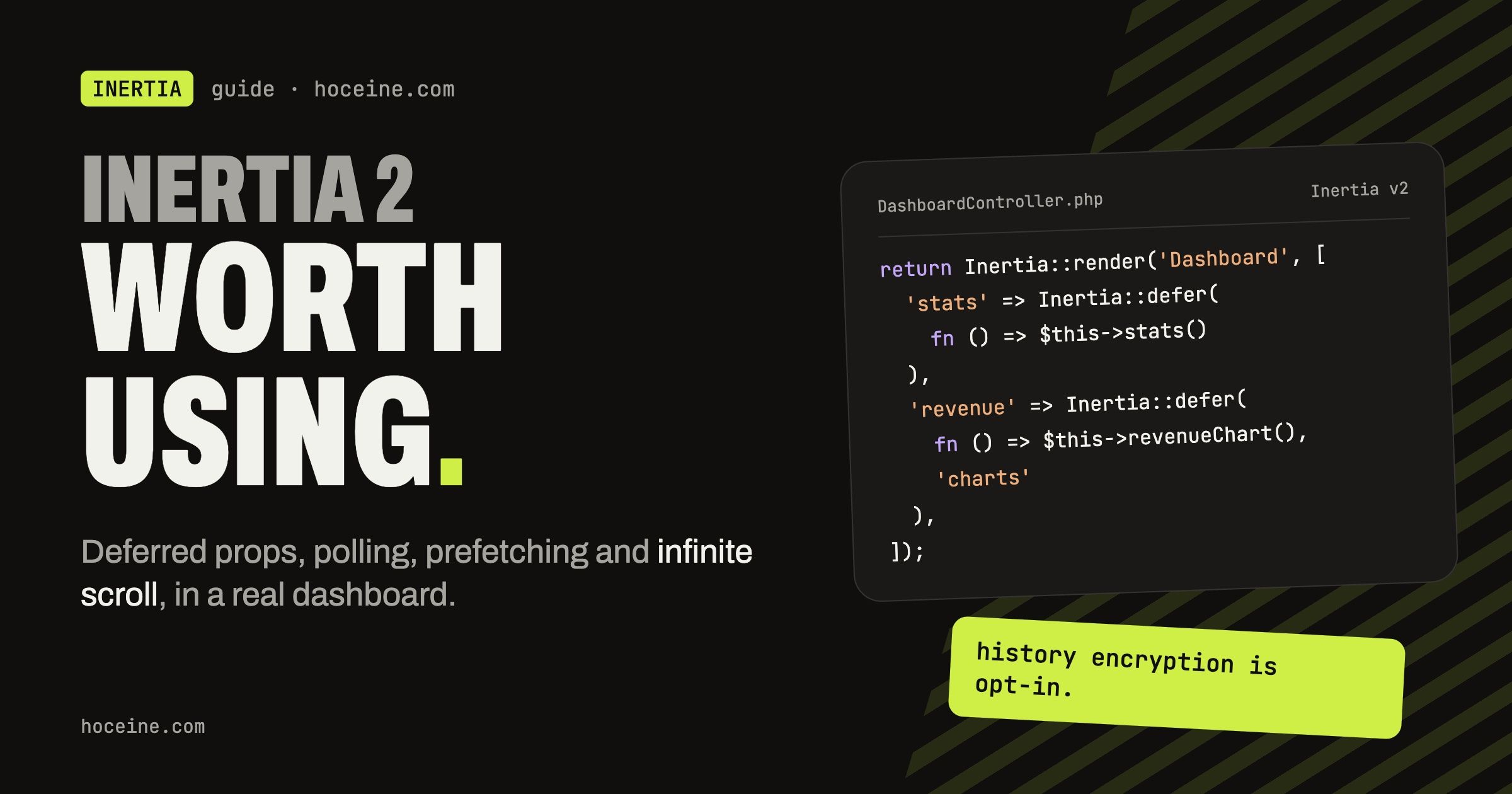
The Inertia 2 Features Worth Using
Inertia 1 had one way to get data onto a page: the controller returned every prop, and the page waited for all of them. If one query was slow, the whole navigation was slow. Inertia 2 rewrote the request layer so a page can ask for data in pieces, after it renders, when it scrolls into view, or before the user even clicks.
This post covers the features from that release that matter most in real Laravel apps, with Vue examples (React and Svelte have the same components and hooks).
A version note first. Inertia 3 is out. At the time of writing the latest release on GitHub is v3.9.1, with v2.3.x still getting patches. Everything below works in v3 too; the v3 upgrade guide lists what moved (more on that at the end).
Deferred props: render first, query later
This is the feature that pays for the upgrade. Wrap a prop in Inertia::defer() and Inertia leaves
it out of the first response. Once the page has rendered, the client fires a follow-up request for
the deferred props.
Take a dashboard where the header is cheap and the stats are not:
use Inertia\Inertia;

class DashboardController extends Controller
{
    public function index(): \Inertia\Response
    {
        return Inertia::render('Dashboard', [
            'user' => auth()->user()->only('id', 'name'),
            'stats' => Inertia::defer(fn () => $this->stats()),
            'revenue' => Inertia::defer(fn () => $this->revenueChart(), 'charts'),
            'signups' => Inertia::defer(fn () => $this->signupChart(), 'charts'),
        ]);
    }
}
The second argument is a group name. Props in the same group come back in one request; ungrouped
deferred props are fetched in a separate one. Here stats loads in its own request and the two
charts load together, so a slow chart query does not hold up the stat cards.
On the page, <Deferred> waits for the props it names and shows a fallback until then:
<script setup>
import { Deferred } from '@inertiajs/vue3'

defineProps({ user: Object, stats: Object, revenue: Array, signups: Array })
</script>

<template>
  <h1>Welcome back, {{ user.name }}</h1>

  <Deferred data="stats">
    <template #fallback>
      <StatCardsSkeleton />
    </template>
    <StatCards :stats="stats" />
  </Deferred>

  <Deferred :data="['revenue', 'signups']">
    <template #fallback>
      <ChartSkeleton />
    </template>
    <RevenueChart :points="revenue" />
    <SignupChart :points="signups" />
  </Deferred>
</template>
The trade-off is an extra round trip. For a prop that takes 20ms, deferring it makes the page slower overall, because you pay for a second request plus a skeleton flash. Only defer props that are slow enough that a user would notice the navigation hanging: aggregates, reports, anything that hits an external API.
Load when visible
Deferred props load as soon as the page renders. Some data does not need to load at all unless the
user scrolls to it, like comments under an article. For that, pair an optional prop on the server
with <WhenVisible> on the client.
return Inertia::render('Posts/Show', [
    'post' => $post,
    'comments' => Inertia::optional(fn () => $post->comments()->with('author')->latest()->get()),
]);
Inertia::optional() is never included in a normal visit, only when a partial reload asks for it
by name. <WhenVisible> does exactly that, using an Intersection Observer:
<WhenVisible data="comments" :buffer="300">
  <template #fallback>
    <CommentsSkeleton />
  </template>
  <CommentList :comments="comments" />
</WhenVisible>
buffer is in pixels, so the request starts 300px before the section reaches the viewport. By
default it loads once. Add the always prop if you want it to reload every time the element comes
back into view.
If you are coming from older code, Inertia::lazy() did the same job. It was deprecated in favour
of optional() and removed in v3, so rename it now.
Polling without writing an interval
For data that changes on the server while the user watches, like a queue length or an import's
progress, usePoll reloads the page's props on a timer:
<script setup>
import { usePoll } from '@inertiajs/vue3'

const { start, stop } = usePoll(5000, { only: ['importStatus'] }, { autoStart: true })
</script>
The second argument is any router.reload() option, and only is the one that matters: without
it, every poll re-runs every prop in the controller. The third argument takes autoStart and
keepAlive. Polling stops on its own when the component unmounts. When the tab is in the
background Inertia throttles requests by 90%; keepAlive: true turns that off, which is worth doing only
for something the user is genuinely waiting on.
Polling is the simple option. If you already run Reverb or another broadcaster, pushing an event is cheaper than asking the server every five seconds. For an admin page with a handful of users, polling is fine and has no moving parts.
Prefetching links
Add prefetch to a <Link> and Inertia fetches the next page when the user hovers over it for
more than 75ms. By the time they click, the response is usually in memory.
<Link href="/orders" prefetch>Orders</Link>
<Link href="/orders" prefetch="click">Orders</Link>
<Link href="/dashboard" prefetch="mount">Dashboard</Link>
<Link href="/reports" prefetch :cache-for="['30s', '1m']">Reports</Link>
click starts on mousedown instead of hover, which still saves the 100ms or so before mouseup.
mount fetches as soon as the link renders, for the page the user is almost certainly going to
next. You can also pass an array like ['mount', 'hover'].
The cache lasts 30 seconds by default. cacheFor accepts a duration string, milliseconds, or a
two-value array for stale-while-revalidate: inside the first window the cached page is used as-is,
between the two the cached page is shown while a fresh one is fetched in the background, and after
the second value it is a normal request.
Be careful with mount on links to expensive pages. Every render of a navigation menu with
prefetch="mount" on five links is five controller calls the user may never need. Hover is the
safe default.
To prefetch from code, router.prefetch() takes the same arguments as router.visit() plus a
third options object:
router.prefetch('/users', { method: 'get', data: { page: 2 } }, { cacheFor: '1m' })
Merge props and infinite scroll
Partial reloads normally replace a prop. Inertia::merge() tells the client to append the new
value to what it already has instead, which is the building block for "load more":
'posts' => Inertia::merge(fn () => Post::latest()->paginate(15))->append('data'),
append('data') targets the data key of the paginator and replaces everything else (links, page
numbers), which is what you want. There is also ->prepend(), and matchOn: 'id' to update items
that are already on the page instead of duplicating them. Merging only applies to partial reloads; a
full visit replaces the prop. To start over when a filter changes, pass reset: ['posts'] to the
visit.
Later 2.x releases added a higher-level version of this, Inertia::scroll() with an
<InfiniteScroll> component, and it is the better fit for a plain paginated list:
return Inertia::render('Users/Index', [
    'users' => Inertia::scroll(fn () => User::paginate()),
]);
<InfiniteScroll data="users" :buffer="400">
  <UserRow v-for="user in users.data" :key="user.id" :user="user" />
</InfiniteScroll>
It works with paginate(), simplePaginate(), cursorPaginate() and API resource collections,
keeps the page query string in sync (turn that off with preserve-url), and has a reverse mode
for chat-style lists that load older items upward. If you need a button instead of scroll
triggering, set manual, or manual-after to switch to a button after a few pages. The full prop
list is in the infinite scroll docs.
History encryption is opt-in
A lot of Inertia 2 write-ups, including an earlier version of this one, say history encryption is on by default. It is not. The docs call it an opt-in feature.
The problem it solves: Inertia stores each page's props in history.state, so after a user logs
out, the back button can show the previous page's data from the browser's history. With encryption
on, that state is encrypted with a key kept in session storage, and clearHistory rotates the key
so old entries can no longer be read.
You turn it on in one of three ways:
// config/inertia.php: 'history' => ['encrypt' => true]

Route::middleware(['inertia::encrypt'])->group(function () {
    // pages with sensitive data
});

Inertia::encryptHistory();
The middleware alias maps to Inertia\Middleware\EncryptHistory. If you enable it globally,
Inertia::encryptHistory(false) opts a single page back out. On logout, call
Inertia::clearHistory() before returning the response, or router.clearHistory() on the client.
For a back office or anything showing customer data, turn it on globally. For a public marketing site it does nothing useful.
Upgrading, and what changed in v3
Going from 1.x to 2.x drops Vue 2 and Svelte 3, and partial reloads became async, so code that assumed a reload blocked other visits needs a look. The v2 upgrade guide covers the rest.
If you are starting fresh today, start on v3. The changes that matter most for the code above:
Inertia::lazy() is gone (use optional()), Axios is no longer bundled, the packages are ESM
only, React 19 and Svelte 5 are required, and PHP 8.2 with Laravel 11 is the floor. v3 also adds
built-in optimistic updates and lets optional, defer and merge be nested inside arrays. None
of the features in this post went away; they just got more places to live.