Making a Laravel App Fast: N+1 Queries, Indexes, Caching, Queues and Octane
Where Laravel apps actually lose time, in the order I check it. Catching N+1 queries with preventLazyLoading, Laravel 12's opt-in automatic eager loading, indexes, caching, queues, and what Octane changes about how you write code.

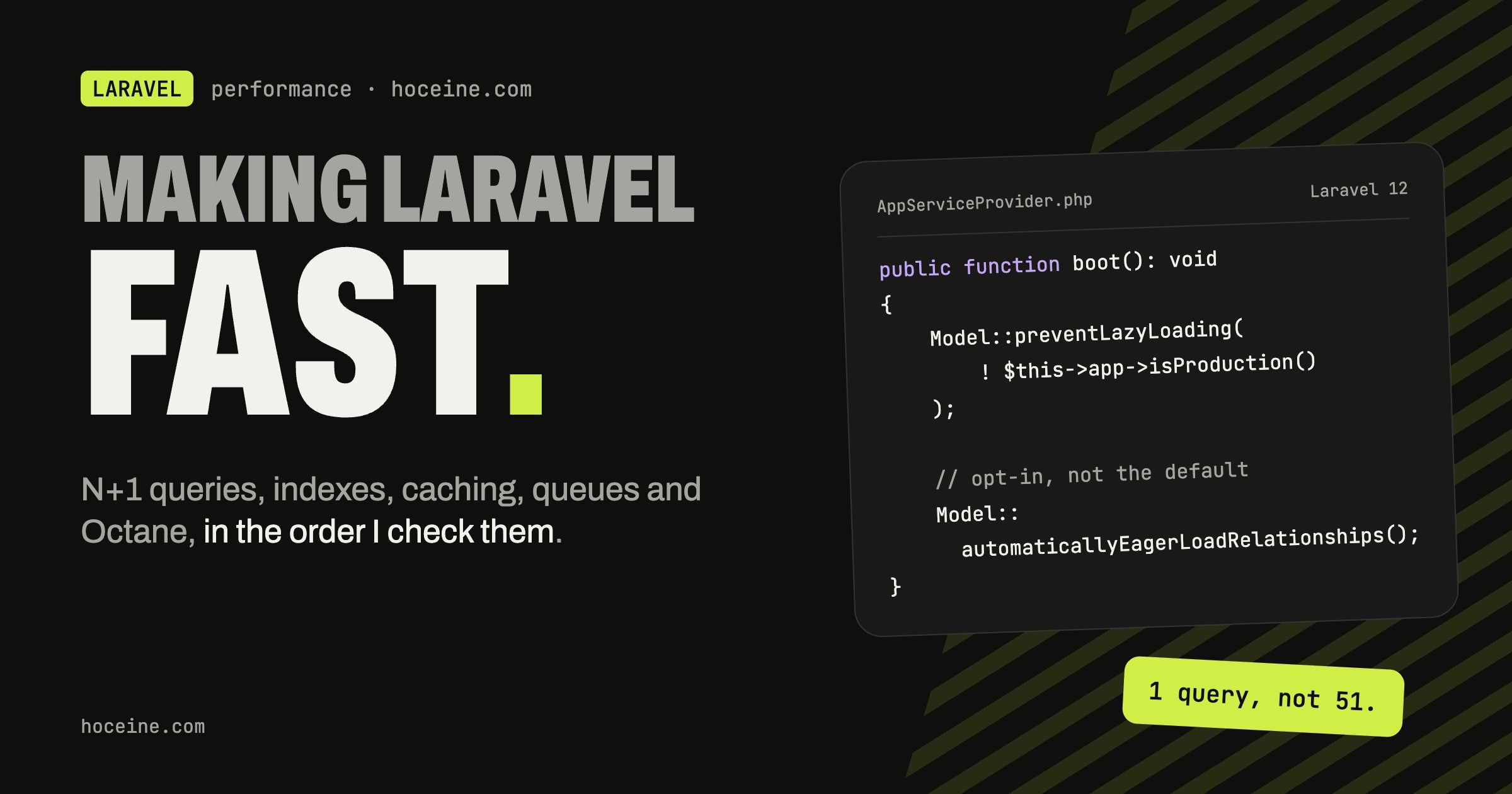
Making a Laravel App Fast
Most slow Laravel pages are slow for the same boring reason: the database was doing far more work than the page needed. A list that runs 200 queries, a filter on a column with no index, a report recalculated on every request. Swapping the application server will not fix any of that.
So this post goes in the order I actually check things. Queries first, then indexes, then caching, then moving work out of the request, and Octane last, because it changes how you have to write code and only pays off once the rest is in order.
Find the N+1 before you fix anything
The classic case is a list that touches a relationship inside a loop:
$orders = Order::latest()->take(50)->get();

foreach ($orders as $order) {
    echo $order->customer->name;
}
That is one query for the orders and one more per order for the customer. Fifty rows, fifty-one queries. In a Filament table or a Blade loop it is invisible until the page gets slow.
The cheapest way to stop shipping these is to make Laravel refuse to lazy load outside
production. In AppServiceProvider::boot():
use Illuminate\Database\Eloquent\Model;

public function boot(): void
{
    Model::preventLazyLoading(! $this->app->isProduction());
}
Now every lazy-loaded relationship throws Illuminate\Database\LazyLoadingViolationException in
local and in tests, so the N+1 shows up as a failing test instead of a slow page. Production keeps
working if one slips through. If throwing is too aggressive for an older codebase, log instead
and clean up over time:
Model::handleLazyLoadingViolationUsing(function (Model $model, string $relation) {
    $class = $model::class;

    info("Attempted to lazy load [{$relation}] on model [{$class}].");
});
The fix is eager loading, plus aggregates when you only need a number:
$orders = Order::query()
    ->with('customer:id,name')
    ->withCount('items')
    ->latest()
    ->take(50)
    ->get();
withCount('items') adds an items_count attribute through a subquery, so you never load the
items just to count them.
Automatic eager loading is opt-in
Laravel 12 added automatic eager loading. It often gets described as "Laravel fixes N+1 for you now", which is wrong in a way that matters: it is off unless you turn it on, and the docs mark it as beta, with behaviour that may change even in patch releases.
You can enable it globally:
public function boot(): void
{
    Model::automaticallyEagerLoadRelationships();
}
Or for a single collection:
$users = User::where('vip', true)->get();

return $users->withRelationshipAutoloading();
When it is on and you access $user->posts on one model from a collection, Laravel lazy eager
loads posts for every user in that collection in one query. Nested loops get the same treatment
one level at a time.
The per-collection form fits code where the relationships really depend on runtime data, like
a polymorphic activity feed. Enabling it globally is a different matter. Explicit with() calls document what a
page needs, and preventLazyLoading keeps them honest. A global switch hides the problem, and you
still pay for loading relationships you did not plan for.
Indexes for the queries you actually run
Eager loading cuts the number of queries. Indexes make each one cheap. The ones you end up adding
most often are foreign keys used for filtering (foreignId()->constrained() adds a foreign key
constraint, and MySQL indexes it) and the column pairs a list filters and sorts by.
If an admin table filters orders by status and sorts by date, that is a composite index:
Schema::table('orders', function (Blueprint $table) {
    $table->index(['status', 'created_at']);
});
Column order matters. Put the column you filter with equality first and the one you sort or
range on second. To confirm the database uses it, run the query through ->explain():
Order::where('status', OrderStatus::Pending)
    ->latest()
    ->explain()
    ->dd();
If the plan shows a full table scan on a large table, the index is wrong or missing. Also watch
for whereDate() or a LIKE '%term%' on an indexed column: wrapping a column in a function, or a
leading wildcard, stops a normal B-tree index from being used.
Cache what is expensive and stable
Caching is the right tool for data that is costly to compute and changes rarely: dashboard totals, settings, a navigation tree. It is the wrong tool for hiding a query that should have been fixed.
use Illuminate\Support\Facades\Cache;

$stats = Cache::remember('dashboard.stats', now()->addMinutes(10), fn () => [
    'revenue' => Order::paid()->sum('total'),
    'pending' => Order::pending()->count(),
]);
The hard part is invalidation. For anything a user edits and expects to see right away, clear the key where the data changes, for example in a model observer, rather than waiting for the TTL. And keep keys specific: a key that ignores the current tenant or locale will happily serve one customer's numbers to another.
Before deploying, cache the framework itself:
php artisan optimize
That caches config, routes, events and views. One consequence: once config is cached, env()
calls outside the config/ files return null, so read settings through config().
Move slow work out of the request
Sending email, generating a PDF, calling a third-party API, resizing images: none of it needs to happen before the user gets a response. Put it on a queue.
use Illuminate\Contracts\Queue\ShouldQueue;
use Illuminate\Foundation\Queue\Queueable;

class GenerateInvoicePdf implements ShouldQueue
{
    use Queueable;

    public int $tries = 3;

    public function __construct(public Order $order) {}

    public function handle(): void
    {
        // render and store the PDF
    }
}
GenerateInvoicePdf::dispatch($order);
Queued notifications and mailables work the same way through ShouldQueue. Run a real queue
driver (Redis or database) with a worker managed by Supervisor, and remember to restart workers
on deploy with php artisan queue:restart, because they hold the old code in memory. That last
point is a small preview of how Octane behaves.
Octane, and the state it keeps
Octane serves your app through FrankenPHP, Swoole or RoadRunner. The app boots once per worker and stays in memory, so the framework bootstrap cost is gone from each request. That is the whole gain. Your slow queries are just as slow under Octane.
composer require laravel/octane
php artisan octane:install
php artisan octane:start --watch
The price is that code which was safe under PHP-FPM, where everything dies after each request, can now leak between requests. The pitfalls the docs list are the ones I would check in any existing app before switching:
- Singletons that capture the container, request or config. A singleton built during boot
with
$app['request']keeps the first request forever, with the wrong headers, input and user. Pass request data into methods at call time instead, or resolve lazily with a closure:
$this->app->singleton(Service::class, function (Application $app) {
    return new Service(fn () => $app['request']);
});
The request(), config() and app() helpers always return the current instance, so they are
safe to call inside methods.
- Static arrays that grow.
Service::$data[] = ...in a controller adds to the same array on every request until the worker runs out of memory. Octane restarts each worker after 500 requests by default (--max-requests), which limits the damage but does not fix the bug. - Deploys. Workers hold the old code, so run
php artisan octane:reloadafter deploying.
Octane also ships tools that only exist because the process is long-lived. Both need Swoole. The Octane cache driver stores data in Swoole tables shared by all workers, and it is flushed when the server restarts:
use Illuminate\Support\Str;

Cache::store('octane')->put('framework', 'Laravel', 30);

Cache::store('octane')->interval('random', fn () => Str::random(10), seconds: 5);
Tables are defined in config/octane.php and accessed through the facade:
'tables' => [
    'example:1000' => [
        'name' => 'string:1000',
        'votes' => 'int',
    ],
],
use Laravel\Octane\Facades\Octane;

Octane::table('example')->set('uuid', ['name' => 'Nuno Maduro', 'votes' => 1000]);
Octane::concurrently([...]) runs closures in parallel on Swoole task workers, which is handy for
a dashboard that runs several independent queries.
My view: Octane is worth it for an API or app with high request volume and a codebase you control. For a typical admin panel where each page waits on the database, fixing the queries and staying on PHP-FPM is the better trade, because the bootstrap cost is a small share of that request and the state bugs are a real cost.
The order that pays off
Turn on preventLazyLoading today, because it is one line and it finds problems for you. Add
indexes for the filters your users actually use. Cache the few expensive, stable things and
invalidate them deliberately. Queue anything the user does not need to wait for. Then, if requests
per second is genuinely the bottleneck, look at Octane with the list above in hand.