Should I Use FilamentPHP? When I Reach for It and When I Don't
Where Filament 4 earns its place in a Laravel project, where it gets in the way, and the questions I ask before starting a panel. Written by someone who builds commercial Filament plugins.

Should I Use FilamentPHP?
I build most of my client back offices in Filament, and I sell two commercial Filament plugins, so I am not neutral. That is also why I have a clear idea of where it fits. Filament saves weeks on some projects and costs weeks on others, and the difference is usually visible before you write the first resource.
This post is the checklist I run through. It is written against Filament 4. Filament 5 is out as well; its upgrade guide lists Livewire 4 as the new requirement and uses an automated upgrade script, so nearly everything here applies to both.
What Filament is, in one paragraph
Filament is a set of Laravel packages built on Livewire, Alpine.js and Tailwind. You describe
screens in PHP: a resource class says which fields a model has in its form, which columns appear in
its table and which actions you can run on a record. Filament renders the UI, handles validation,
pagination, filters, modals and authorization through your policies. In v4 the forms, infolists and
layout components share one system called
schemas, and every action lives under
Filament\Actions.
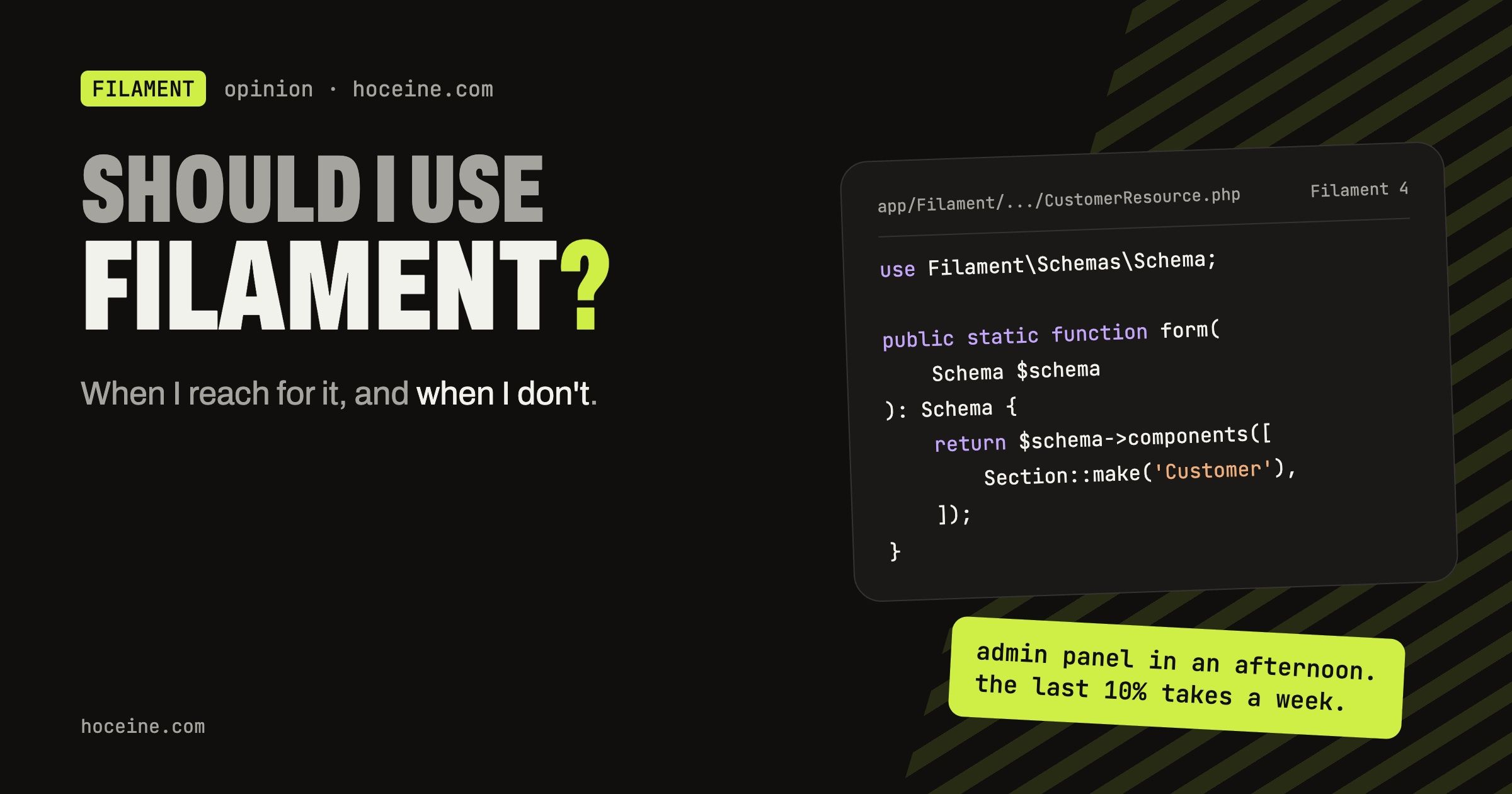
A resource form in v4 looks like this:
use Filament\Forms\Components\TextInput;
use Filament\Schemas\Components\Section;
use Filament\Schemas\Schema;

public static function form(Schema $schema): Schema
{
    return $schema->components([
        Section::make('Customer')->schema([
            TextInput::make('name')->required(),
            TextInput::make('email')->email()->unique(),
        ]),
    ]);
}
That is the whole pitch: you write that, and you get a working create and edit page.
When I reach for it
Internal tools for people who work in them all day. Order desks, stock screens, support queues, content moderation. The people using these screens care about filters that remember their state, bulk actions, keyboard-friendly forms and tables that do not fall over at 50,000 rows. Filament gives me all of that by default, and I spend my time on the domain logic instead.
CRUD-heavy apps where the data model is the product. If most screens are "list these, edit that, approve this", Filament's resources map one-to-one to what the client asked for. Relation managers cover the "show me the invoices on this customer" screens, and since v4, nested resources cover the cases where a child record needs its own full page.
SaaS back offices with tenants. Panel-level tenancy gives you a tenant switcher, tenant-aware URLs and automatic scoping of resource queries. It does not cover everything (I wrote a separate post on where it leaks), but it is a strong starting point.
Arabic and RTL projects. A lot of my work is for Arabic-speaking teams. Filament's panel flips correctly in RTL and ships Arabic translations, which removes a whole category of CSS bugs that otherwise get fixed by hand.
When I need to ship features as plugins. Filament has a real plugin system: a plugin registers resources, pages and assets on a panel and can be installed with Composer. FilamentCraft and Scheduler Pro both exist because that system is solid enough to build a product on.
When I don't
Customer-facing pages. Filament panels look like admin panels. You can theme them, but a storefront, a marketing site or a booking flow for the public should be built with Blade, Livewire or Inertia, designed for that audience. I keep Filament behind the login.
Apps where every screen is custom. If the client's spec is twelve unique, highly visual screens with no tables and no forms, Filament's conventions stop helping. You end up writing custom pages with custom Blade views, and at that point you are paying for a framework you do not use.
Teams that do not want Livewire. Filament is Livewire all the way down. If the team is set on a React or Vue front end with an API, a Livewire admin is a second stack to maintain. That can be fine for an internal tool, but it should be a decision, not an accident.
Very heavy, real-time dashboards. Livewire sends a request per interaction. For a screen that streams thousands of updates per minute, I would rather write a small JavaScript front end and keep Filament for the CRUD around it.
What it costs you
Filament is fast to start and has a learning curve in the middle. A few things worth knowing up front:
- Upgrades are real work. v3 to v4 moved forms and layout components into
Filament\Schemas, merged table actions intoFilament\Actions, changed several defaults and switched custom themes to Tailwind 4. The upgrade script handles most of it, but not all of it. I wrote up what changed separately. - Custom styling needs a theme. Since v4, your own Tailwind classes inside panel views only work
once you create a theme with
php artisan make:filament-theme. - Plugins vary in quality. The ecosystem is large. Check that a plugin supports your major version before you depend on it, because the v5 upgrade guide itself warns that some third-party plugins may lag behind.
- The abstractions leak eventually. Sooner or later you will read Filament's source to find out which method to override. That is normal, and the source is readable, but plan time for it.
The questions I ask before starting
- Who uses these screens, staff or the public? Staff means Filament is likely a good fit.
- How many screens are lists and forms over Eloquent models? More than half means Filament pays for itself in the first week.
- Is the team comfortable with Livewire? If not, is that a dealbreaker for an internal tool?
- Is there anything the client expects to edit visually, like landing pages? Filament does not do that out of the box.
If the answers are "staff, most of them, yes, no", I start with composer require filament/filament
and do not think about it again.
One thing Filament does not do out of the box
Filament is excellent at giving you an interface to your data. It does not give your clients a way to build their own pages. Every copy change and every new landing page still comes back to you as a ticket.
That is the problem I ended up building a product around: FilamentCraft, a commercial plugin that turns a Filament panel into a drag-and-drop website builder, with a live preview, user-editable themes, multi-tenancy and full RTL. It supports Filament 4 and 5 from one codebase.
If that sounds like your situation, the demo is open with no signup.